How to check your payment status:
- Log into your customer portal at Kin.com
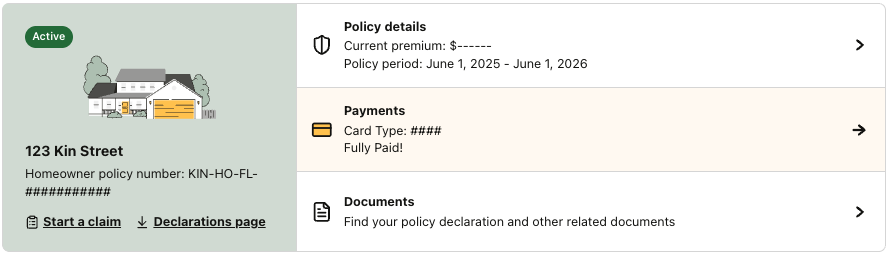
- Look at your policy card on the home page for a quick glance of your payment status:
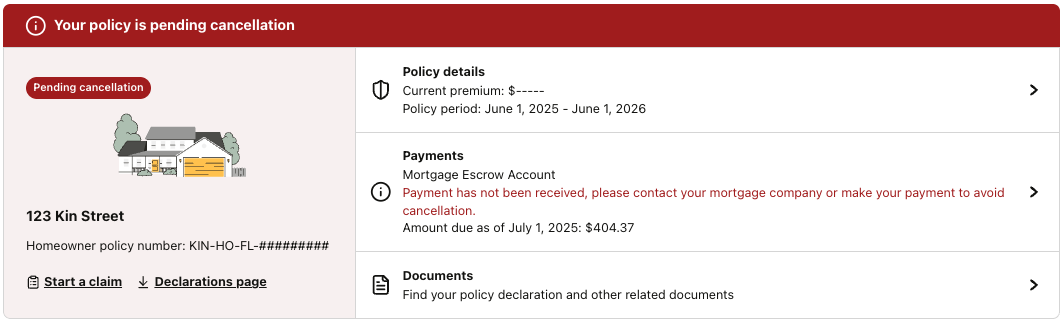
- You can also check the Payments page for more details by clicking on the Payments section of the policy you're checking.
How to check your payment status on the Payments page:
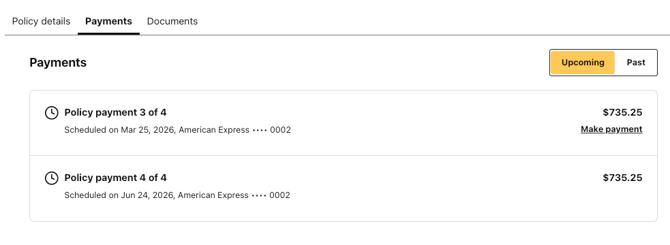
Once you're on the Payments page, you should see any Upcoming transactions that are due.
This policy below shows no scheduled payments, so they are caught up on their payments for the policy period. 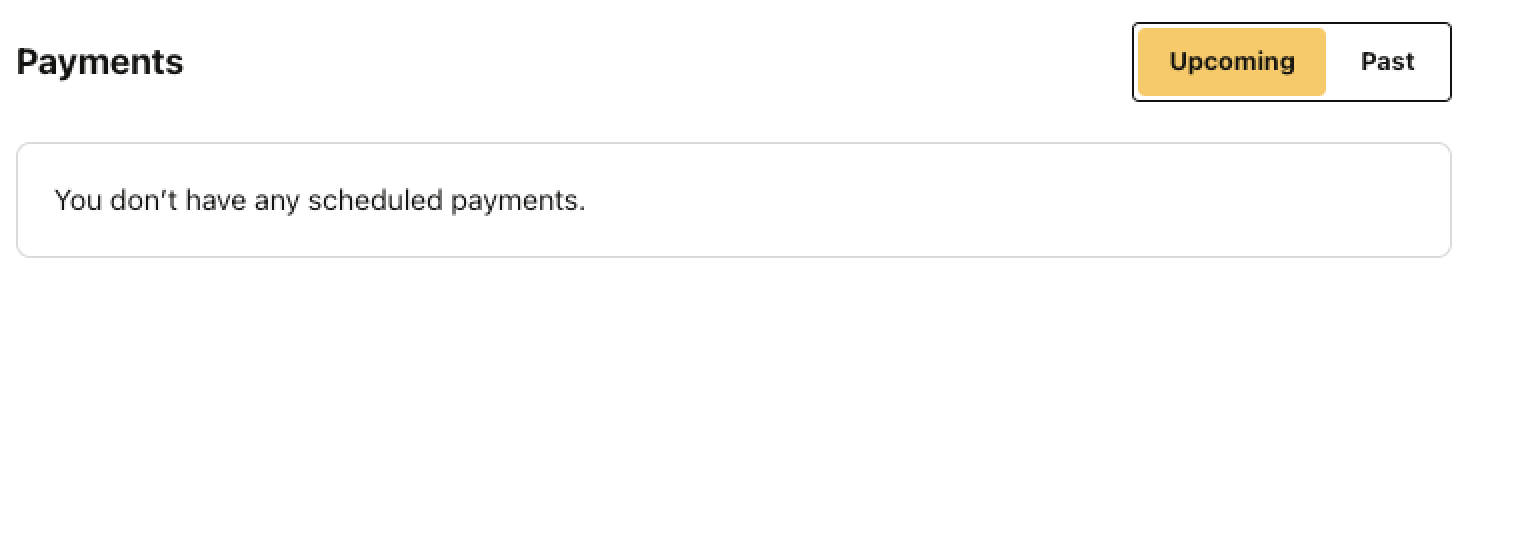
This policy below shows two upcoming payments and includes when and how they will be charged.
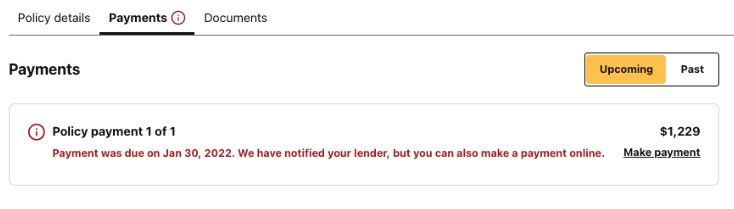
The policies below have a past due payment:
Credit card pay example:
Escrow pay example: